What did I learn? Let’s say when I started I was trying to figure out how to open an empty window…
The part you may be mostly interested in, technically, has been treating the painting history as a log rather than just maintaining a snapshot stack to undo brush strokes. It opens original possibilities.
A .slap file is essentially a log of painting actions, which makes the entire document replay-able. This gives me guaranteed undo all the way back to the beginning.
Supported Zig versions
I exclusively used Zig 0.16.0
AI / LLM usage disclosure
I use free chat as a contemporary google search for certain things.
Keycode is a different beast though! It’s identifies a physical keyboard button no matter what the layout (En, Ar, Fr…) e.g. semi colon means M on a french layout! (azerty)
Hmm, for some reason I can’t get it to work in that no cursor, brush or overlays are visible. In debug mode the console correctly logs all events, but nothing appears on the screen. It could obviously be just me being stupid.
I am running macOS Tahoe 26.5.1 (aarch64).
I built it using Zig 16.0 and have xcode 26.6 installed.
In the middle of the Zig logs, do you find some other long format with a timestamp? That would be ObjC logs (happen in case of failing at something).
Did the compilation output no specific message? (I would still give a shot to wiping out .zig-cache in case something failed and stayed stall during a build attempt)
Do you use a window manager that may have sent the window to another desktop?
Ah yes, the problem seems to be that it doesn’t work on my secondary monitor. If I start the program through the terminal on my primary monitor everything works as expected. Thanks for the help!
That’s a bitter-sweet conclusion lol.
I’m glad it did work. I wonder why not on the second screen? Here I have a noname external screen which I do most of my use on.
If you ever find out more, please feel free to let me know!
Thats really cool. If you get linux support in some form it would be dope. I implemented something similar a while ago but it wasn’t really focused on been useful app and more of a programming exercise. I wanted to rewrite it from scratch for a while now. Your project gives me motivation to actually come back to it)
Oh I actually just ran it on mac!
I get the red circle (~20px radius) and a counter on the top left (didn’t seem to show mouse coordinates) but I couldn’t leave a mark.
I’m glad Slap could motivate you!
About the linux port. I would love to at some point… I need to get my hands on some linux workstation. I am also very tempted by running it in browser…
Anyway, those are wishes at that point
yea it worked when i was using x11. But it was broken when i tried to use anything else (im on wayland now so it doesn’t work). It kinda relied on raylib’s feature of transparent window. And it doesn’t work anywhere else. Its obvious in hindsight what i shouldn’t have used third party library for cornerstone feature)
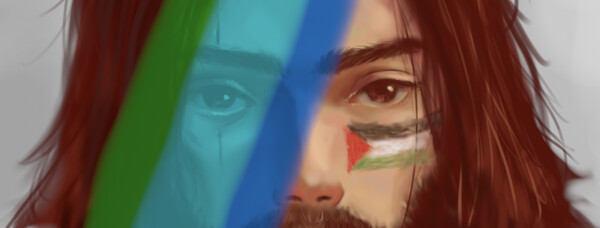
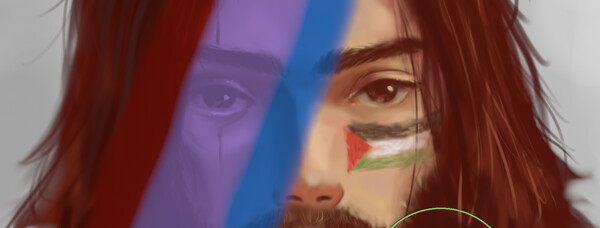
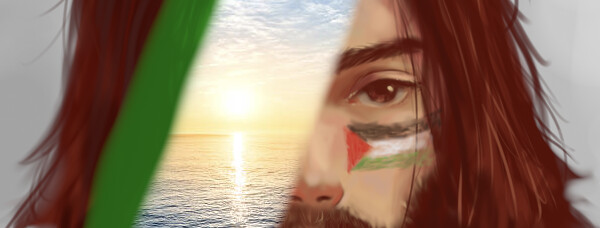
I have added a transparency mask to Slap.
I thought I would present it now instead of having another 40 minutes video to record on my hands in a few month…
Setting up a transparency mask allows defining selections with a brush.
It’s foundation work for selection tools to come.
But really using it for now is not my target. It’s there, you can clear it, but you can’t toggle it on and off as this means layers management which I intend to handle properly when I get at multi-layer.
The challenge were double:
integrating with the history model I had to kind of step into multi-layer
the first UX I made was disturbing and it felt contradictory as it was trying to address separate concerns. So I dropped it.
Slap has received some meaningful features and has been tagged 0.3.0 which brings me one step further to implementing selection transformation (which I crave).
I have recorded a small video demo.
In a nutshell:


 🖉
🖉 
 !
!