This is a fork of Andrew Kelly’s excellent tool poop but with macOS support. All credit for macOS support should go to tensorush (see credits in readme). If you are a linux user, there is absolutely no reason to switch to this one, but if you happen to use a mac you can now get poops excellent metrics. If you run it normally it will only report time and max rss, while with sudo it will display most of poops full metrics.
It’s a fork since Andrew stated that he do not want to support more platforms than linux and tensorush never made one. I renamed it because it is slightly crappier due to requiring sudo support on mac and may want to support some more features in the future.
Also suggestions for what crap may stand for are very welcome.
The timer will work, and rss should be possible as far as I know but don’t hold my word on it. As far as getting the rest of the performance counters I have no clue. I would have to look into that and I don’t really code on windows as my other pc is mainly booted into Linux but I can take a look when I get time.
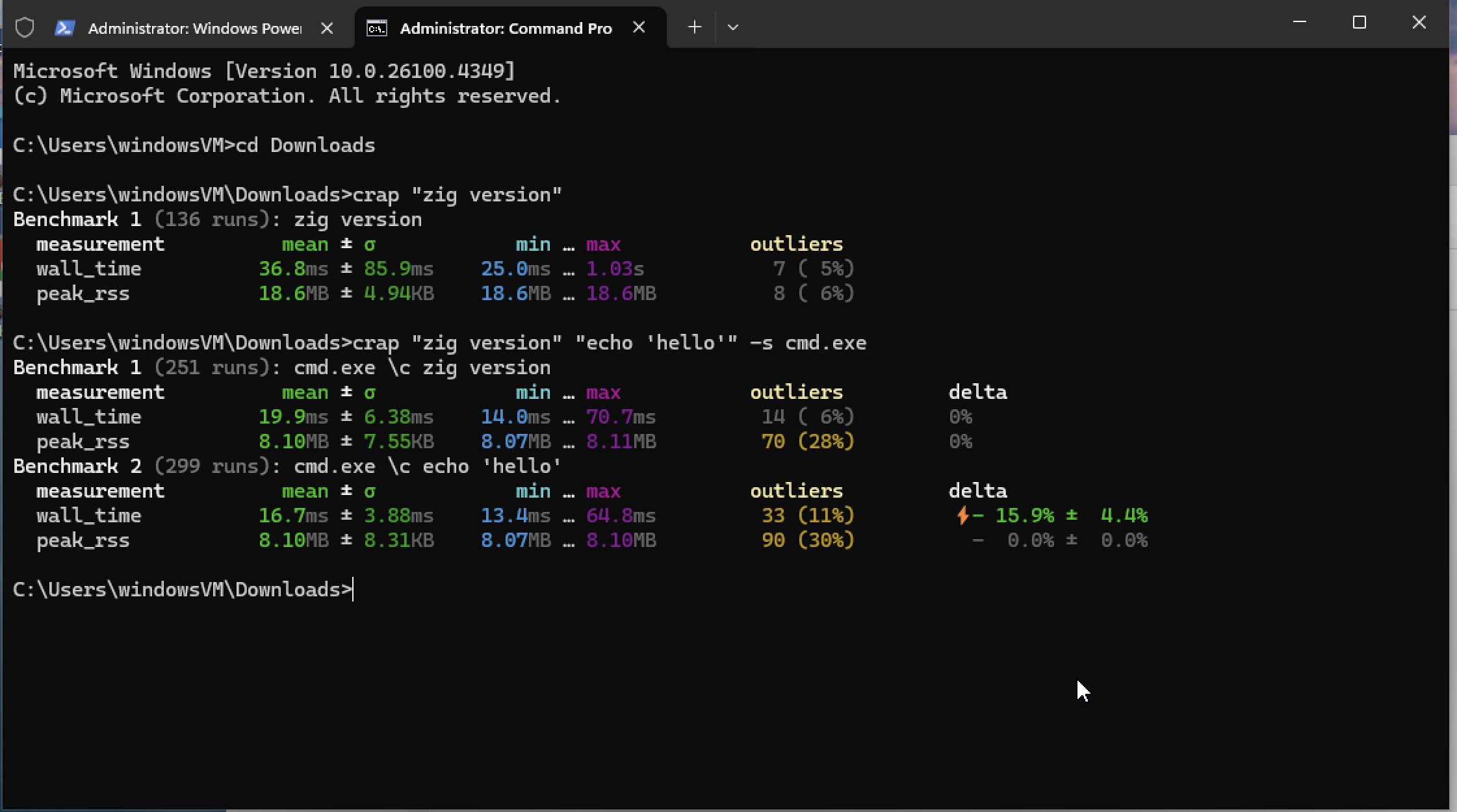
Hyperfine only do wall time but it has a lot more options. It defaults to running the commands in a a shell which gives the option to run more commands (piping) and you can export the data. Also you can do warmup. Though I added the ability to run commands in a shell with -s and do warmup in crap in main branch.
Also I don’t think they report cache misses but if you want more detailed profiling information I would look into Tracy and samply. I’m not 100% sure about windows support but may be worth checking out. You can see flamegraph of which functions are slowing you down.
I love this! I might try to add a PR to add json and csv output support (if that is welcome ). I wanted to chart some benchmarks using poop and I ended up having to write some python code to regex them out of the output. This is a drop-in replacement and it works like a charm in macOS. It’s great to see that a windows support can be available.
Thanks, that would be welcome. Again look at the credits of the readme for the real credit of this tool. Initial windows support is now merged on main if someone would find it useful. Thanks again @squeek502.
> cmd.exe /?
Starts a new instance of the Windows command interpreter

CMD [/A | /U] [/Q] [/D] [/E:ON | /E:OFF] [/F:ON | /F:OFF] [/V:ON | /V:OFF]
    [[/S] [/C | /K] string]

/C      Carries out the command specified by string and then terminates

 , will fix the spelling, still can’t unsee the extra ’r’.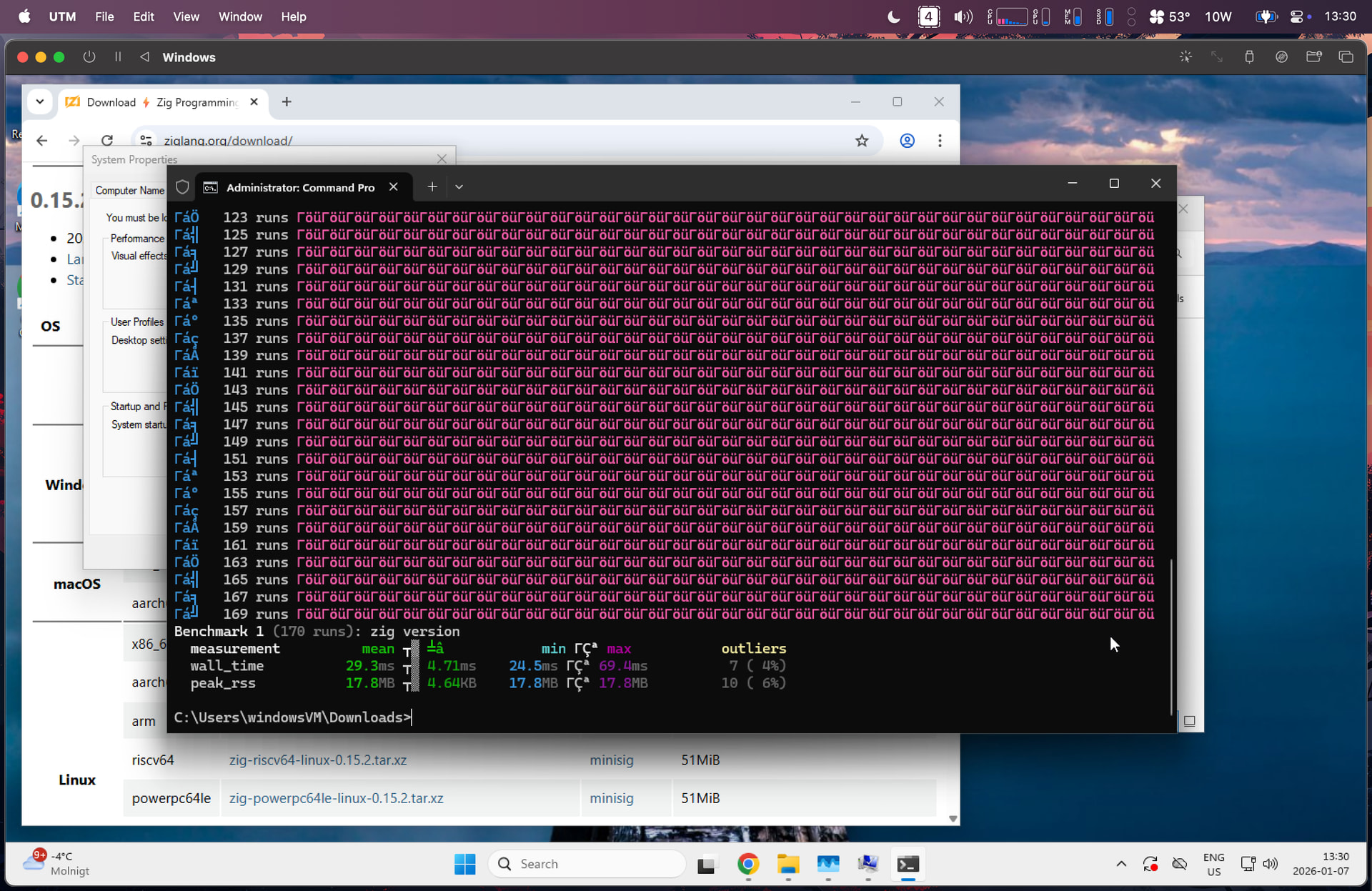
 ). I wanted to chart some benchmarks using poop and I ended up having to write some python code to regex them out of the output. This is a drop-in replacement and it works like a charm in macOS. It’s great to see that a windows support can be available.